



Back
Locate Us

Add your Maybank Cards
to Google Wallet


Google Pay is a fast, secure and contactless way to pay in-stores, online and in your favourite apps. Add your Maybank Credit and Debit Cards to Google Wallet and pay seamlessly with your Android phone and Wear OS devices.

Most importantly, you still get all your Maybank Cards' rewards and benefits.
How to add your Cards


For Personal Credit and Debit Cardmembers:

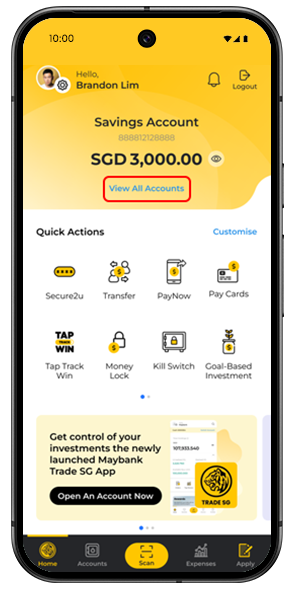
Before adding your Card to Google Wallet, do ensure SMS OTP is enabled in Maybank2u SG app.


Step 1

Log in to Maybank2u SG app with your Username and Password or Touch/ Face ID.

Step 2

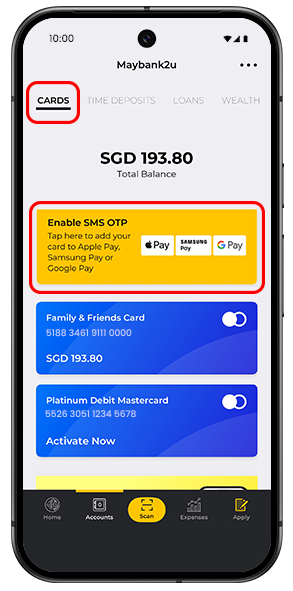
Tap on Accounts, tap on Cards, scroll to the bottom and select Enable SMS OTP.

Step 3

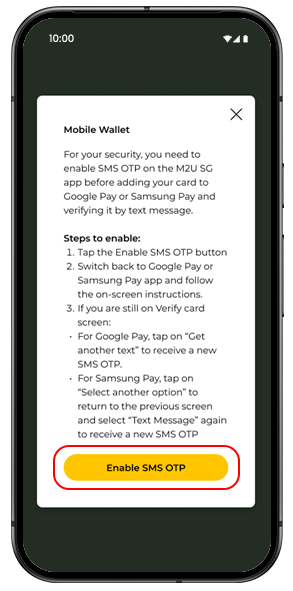
Tap on Enable SMS OTP.

Step 4

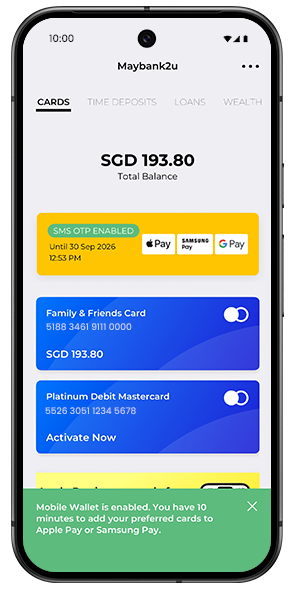
You have successfully enabled for SMS OTP. Proceed to add card to Google Pay.

Note: Complete the process of adding your card to Google Wallet within 10 minutes, after which the control will be automatically disabled.


Step 5

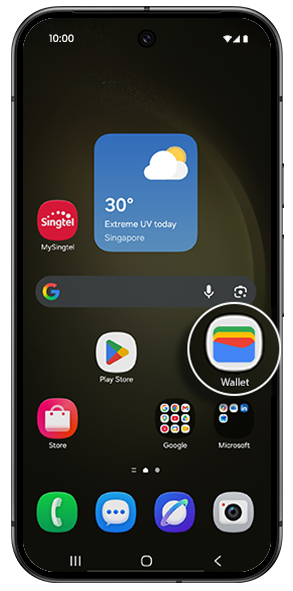
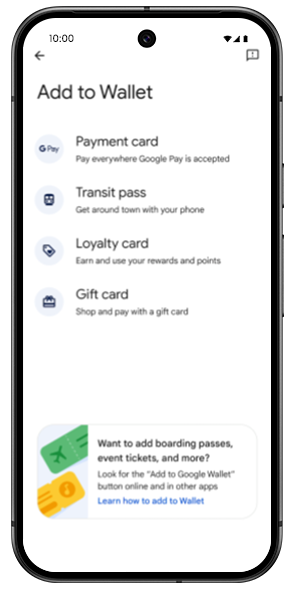
Open Google Wallet on your Android phone.

Step 6

Tap 'Payment card' to get started.

Step 7

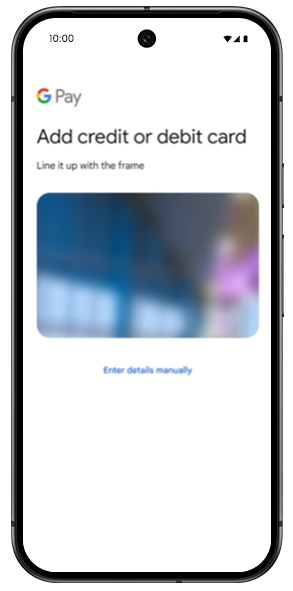
You can scan your card or enter the card details manually.

Step 8

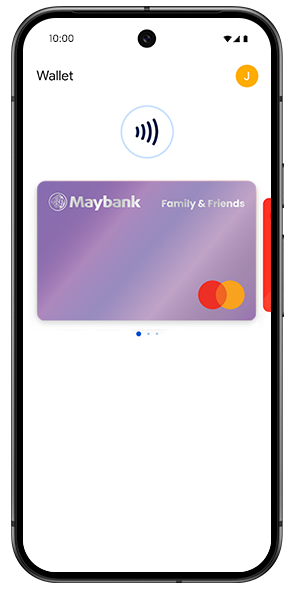
Follow through the steps and make your Maybank Card the default card for Google Pay.


Via Android Watch:

Open Google Wallet on your Android watch, then tap ‘Add Card’ to get started.


For Business Cardmembers:

Step 1

Open Google Wallet on your Android phone.

Step 2

Tap 'Payment card' to get started.

Step 3

You can scan your card or enter the card details manually.

Step 4

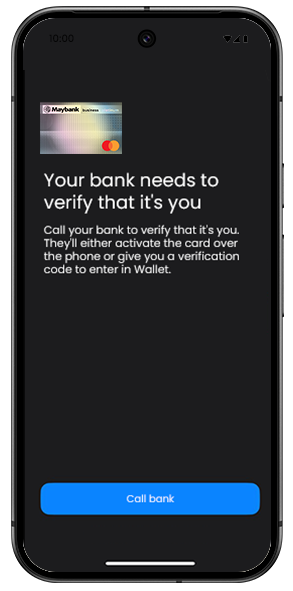
Select "Call to Bank" for card verification.


Step 5

Follow through the steps and make your Maybank Card the default card for Google Pay.


Where to use


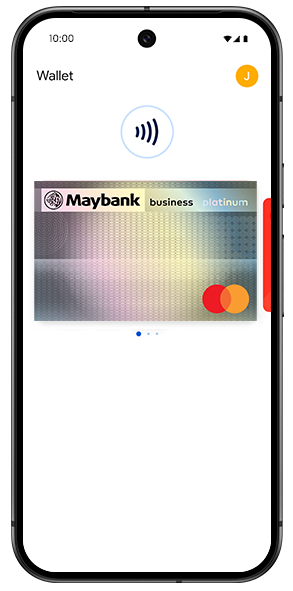
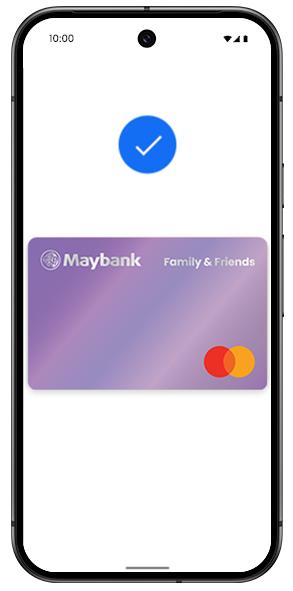
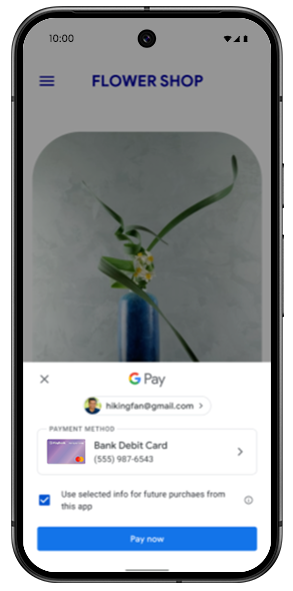
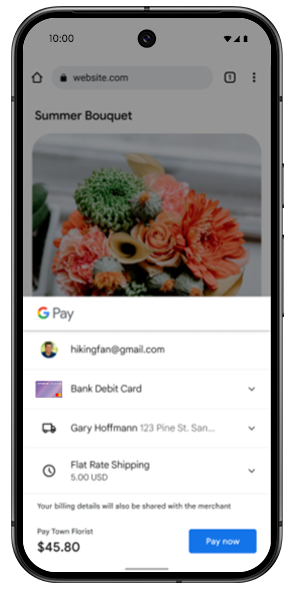
Use your Maybank Cards securely on Google Pay for contactless payments, online shopping, and in-app transactions.


In-store payment


In-app payment


Online payment


Just look out for the Google Pay logo or the contactless symbol at the checkout counter.


With Wear OS Watch:

Double-click the side button, then hold the display of your watch near the contactless reader until you feel a gentle tap and hear a beep.