






Member-Get-Member
Online Account Opening Promotion
Refer More. Earn More.
Know a Malaysian or Singapore Permanent Resident born in Malaysia who hasn't started their cross-border banking journey with Maybank Singapore?
Invite them to open a Singapore Dollar Savings Account digitally using their Singpass and enjoy cash rewards for every successful referral. The more friends that you refer, the more cash you will receive!
Referral rewards
- Receive S$20 for every friend who opens their account online* using Singpass, by entering your mobile number in the "promo code" field during the online application process.
- Example, if your mobile number is 91234567, have your friend key in the "promo code" as "MYSG 6591234567".
What your friend gets
- S$20 cash reward when they successfully open their account online* using Singpass.
*The account needs to be successfully activated with fresh funds of min. S$1,000 within 30 calendar days.
Your gateway to seamless cross-border banking
Whether it’s managing finances across the border, sending money home, or staying connected to opportunities on both sides, Maybank makes cross-border banking simple and rewarding.
Explore our range of cross-border banking solutions:
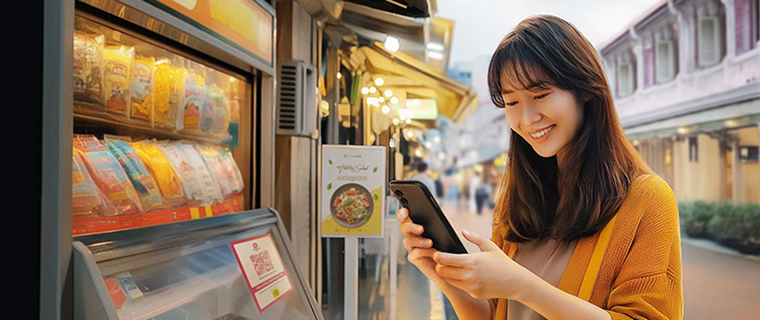

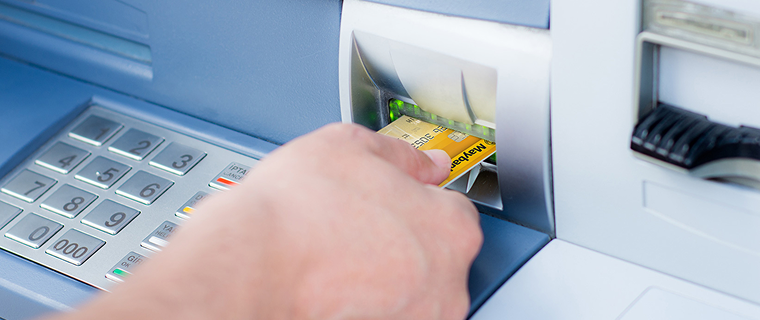
Cross Border ATM Services
No service fee when you withdraw at over 3,800 Maybank ATMs in Malaysia, and across the region.
Invite your friends to experience seamless Malaysia–Singapore banking and reap the rewards together today.
Eligibility
- This promotion runs from 25 May 2026 to 31 July 2026.
- To participate in this Promotion, the referrer, who must be an existing individual customer of Maybank Singapore with an active Current or Savings Account (“Referrer”) and the Referred Party, must fulfil the following requirements:
- The Referrer shall refer a family/friend who is a Malaysia Citizen or Singapore Permanent Resident born in Malaysia without any Maybank Savings Accounts to open a Singapore Dollar Savings Account with Maybank Singapore digitally using their Singpass within the Promotion Period.
- The Referrer’s mobile number, as per Maybank’s records, must be entered in the promo code field during the online application, in the format “MYSG<space>60AANNNNNNN” for Malaysia mobile numbers or “MYSG<space>65NNNNNNNN” for Singapore mobile.
- The Eligible Savings Account must be successfully activated within the Promotion Period and deposited with fresh funds of at least S$1,000 into within 30 calendar days upon successful activation of the account. The Deposit Amount must remain in the Eligible Savings Account for at least a period of 6 months.
- The cash rewards will be credited into the Savings or Current Account of the Referred Party and Referrer within two months from the date of successful activation of the account.
- Eligible Savings Accounts opened by Referred Parties who have existing Maybank accounts or closed their Maybank Savings or Current Account less than 6 months prior to the start of this Promotion will not be eligible for this Promotion.
- There is no limit to the number of referrals, the more friends you refer, the more cash you receive!
How to Apply
Available to Singapore citizens, Singapore Permanent Residents, FIN-holders* and Maybank Malaysia customers
Online application via Myinfo
Step 1: Apply Now
Click under Myinfo Please have your Singpass ID and password ready.
Step 2: Receive Account Number
- You will receive an email with your new account number in a password protected PDF file upon submission of the application
- A password will be sent via SMS to the mobile number indicated on the application form to open the PDF file
If you are not our existing Online Banking Customer, you will receive:
- Online Banking Access ID in the PDF file
- Another SMS which contains your PIN to sign-up or perform a First Time Login to Online Banking
*FIN-holders refer to holders of Employment Pass, S-Pass, Long-term Social Visit Pass and Student Pass.
Application via Maybank2u SG app
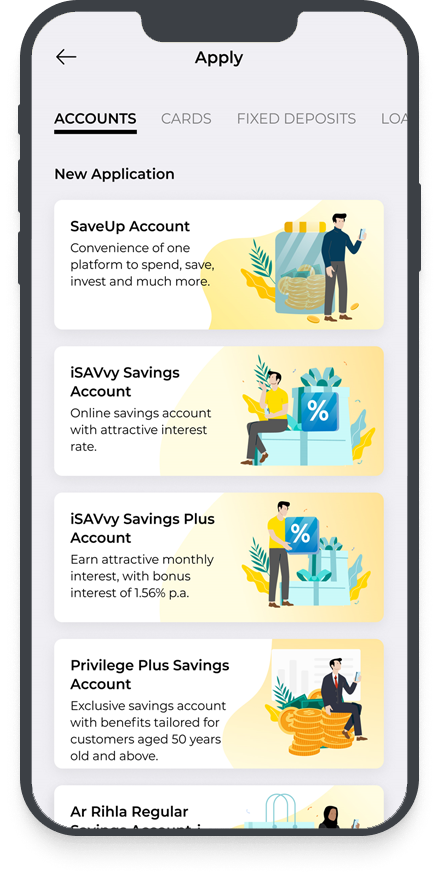
For existing Maybank customers
Step 1: Download the Maybank2u SG app and login with your online banking username and password
Step 2: Tap on ‘More’ > ‘Apply’.
For new customers
Step 1: Download the Maybank2u SG app and tap on ‘More’ > ‘Apply’.
Step 2: Select on the account you wish to open, and apply via Singpass if you are a Singaporean or Singaporean PR. Alternatively, you can apply via M2U Malaysia if you are a Maybank Malaysia customer.
Terms and Conditions
Terms and Conditions for MGM Online Account Opening Promotion (PDF)