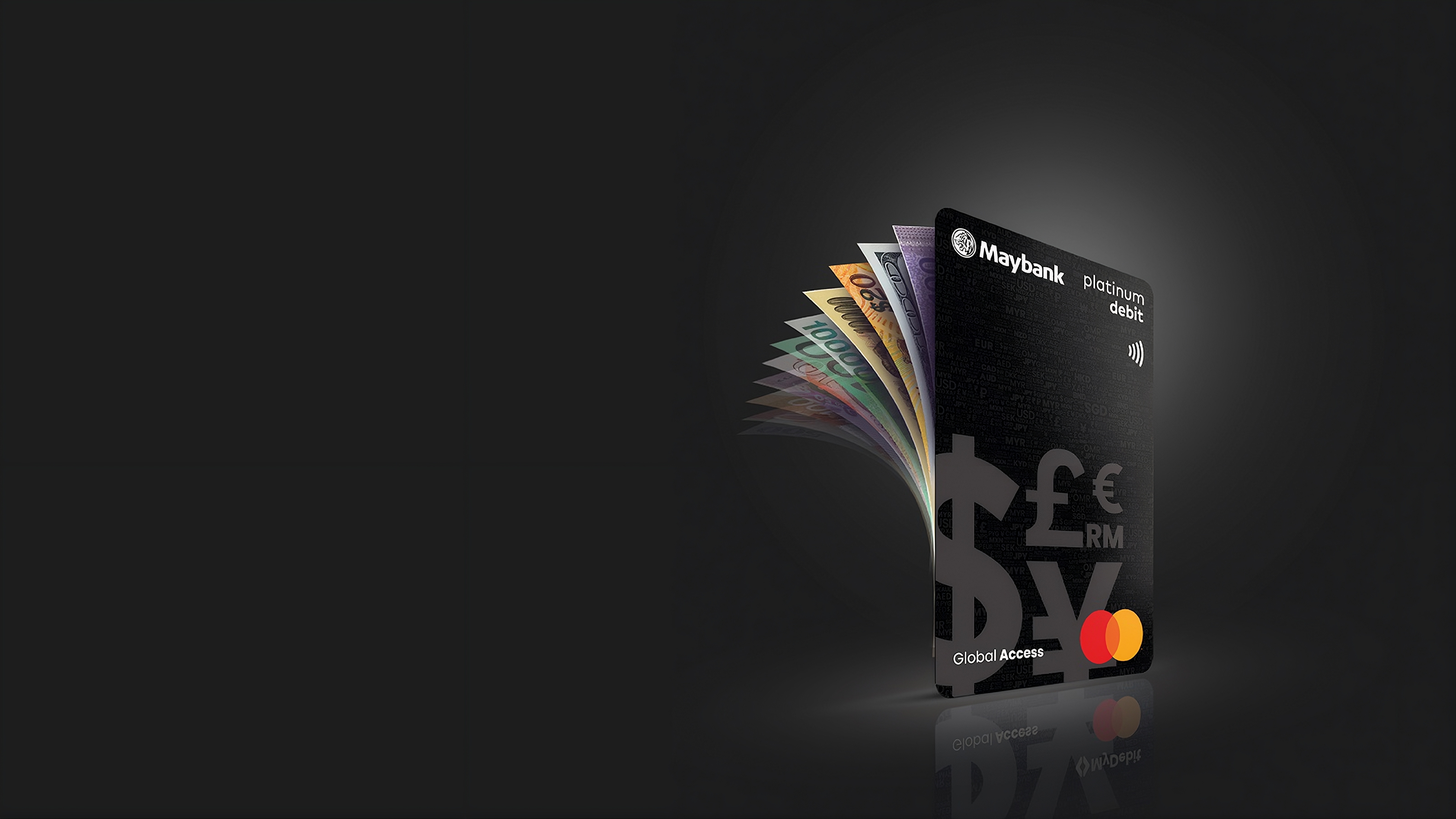




Multi-currency debit card
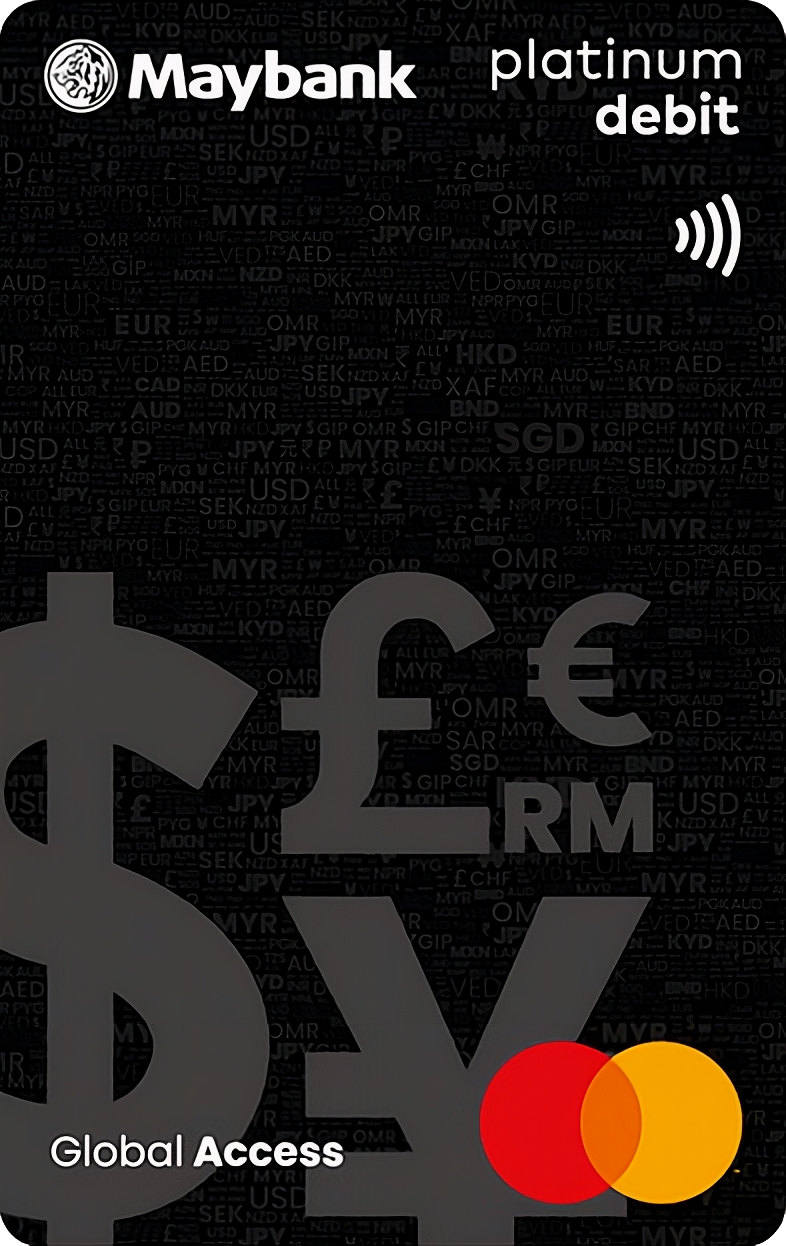
Spend with your Global Access Mastercard Debit Card.
S$3,000.00SGD Local, overseas & online spend


with Maybank’s Global Access Account-i.
Manage SGD and 10 foreign currencies, convert supported currencies in-app and spend locally or overseas with your Global Access Mastercard Debit Card.
Plan. Convert. Spend. All before you fly.
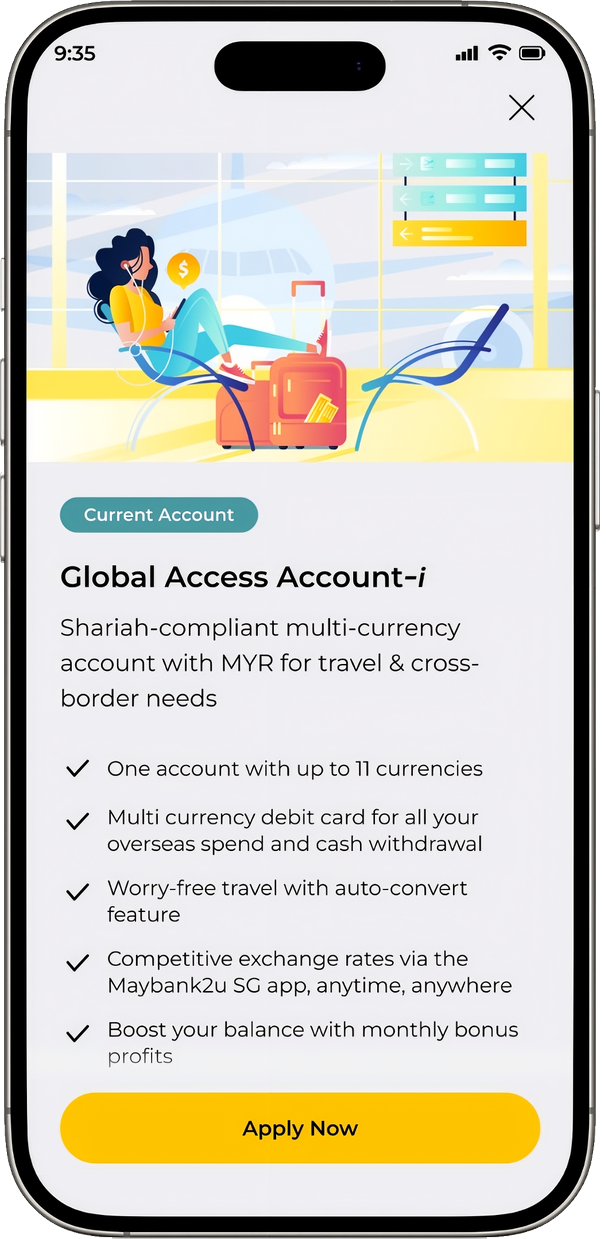
A multi-currency current account for managing SGD and up to 10 foreign currencies, converting supported currencies in-app and spending with the Maybank Global Access Mastercard Debit Card.
Spend with your Global Access Mastercard Debit Card.
Manage SGD and up to 10 supported foreign currencies.
Convert supported currencies through the Maybank2u SG app and review the details before confirming.
Lock selected currencies for added control.
Register for PayNow and access eStatements for added convenience.
SGD as the base currency, with 10 supported foreign currencies — including MYR.
* MYR is available to eligible customers only, subject to eligibility requirements and limits.
For illustration only. Currency availability is subject to eligibility and applicable terms and conditions.
Choose your currency, enter an amount, review the details and confirm through the Maybank2u SG app.
Select the currency you want to convert to.
Sample values shown for illustration only. Exchange rates shown are indicative and subject to applicable terms and conditions.
I’m converting from
Available Balance: SGD 3,000.00
to
The final rate will be shown at confirmation.
Use your Maybank Global Access Mastercard Debit Card to pay from the matching supported currency balance when you shop locally, overseas or online.



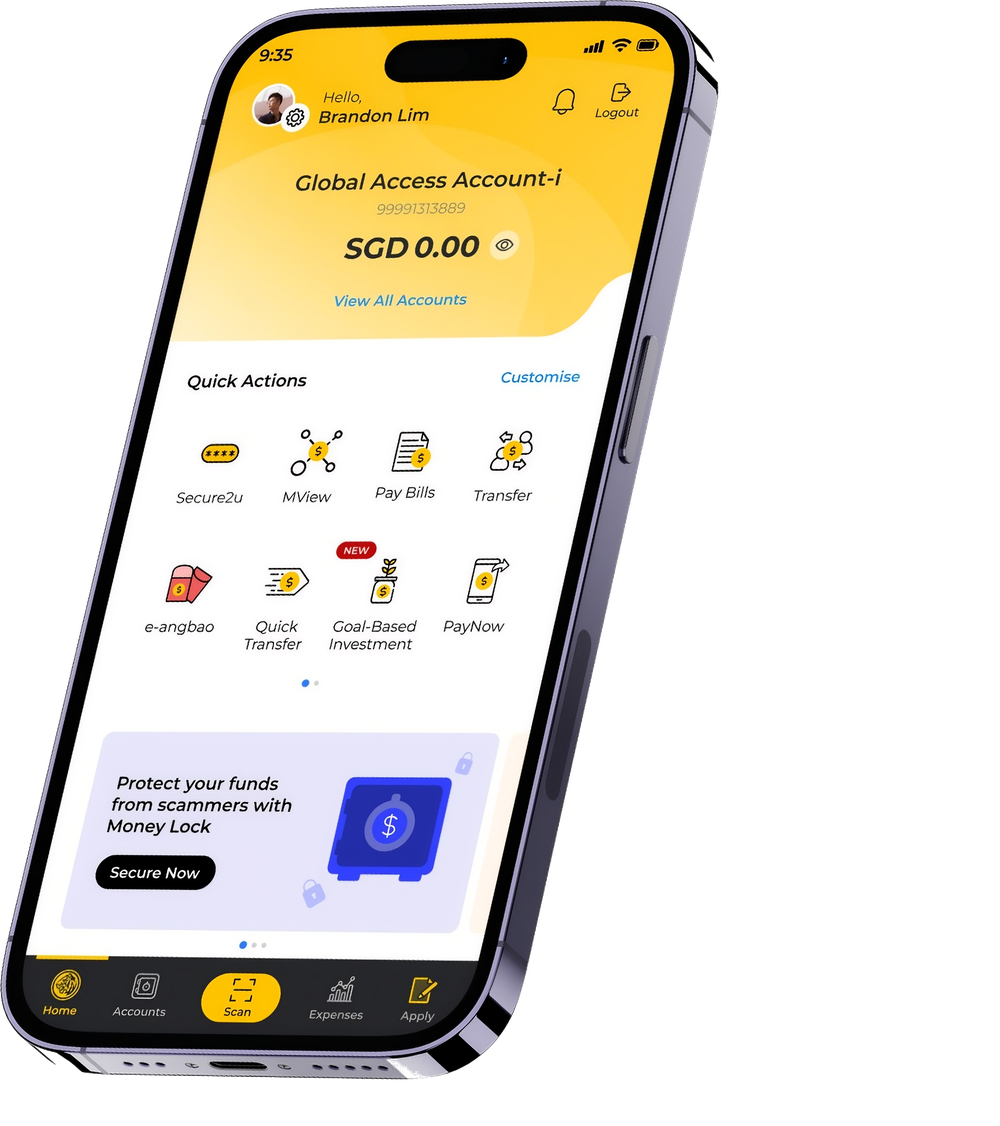
Here's how to do it easily via the Maybank2u SG app.
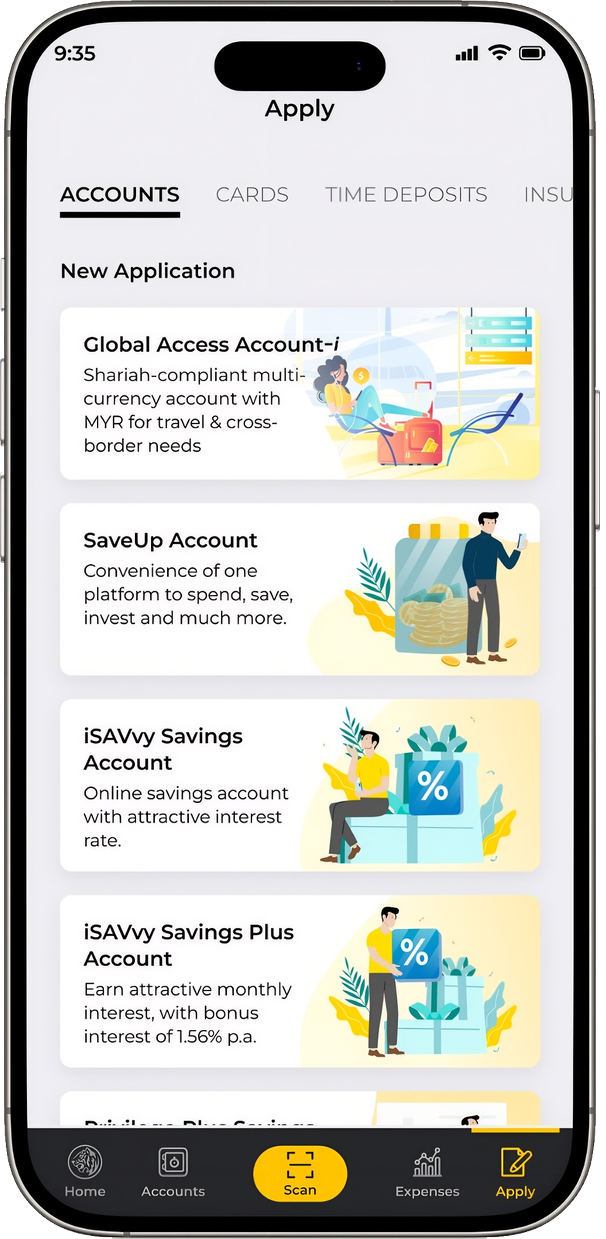
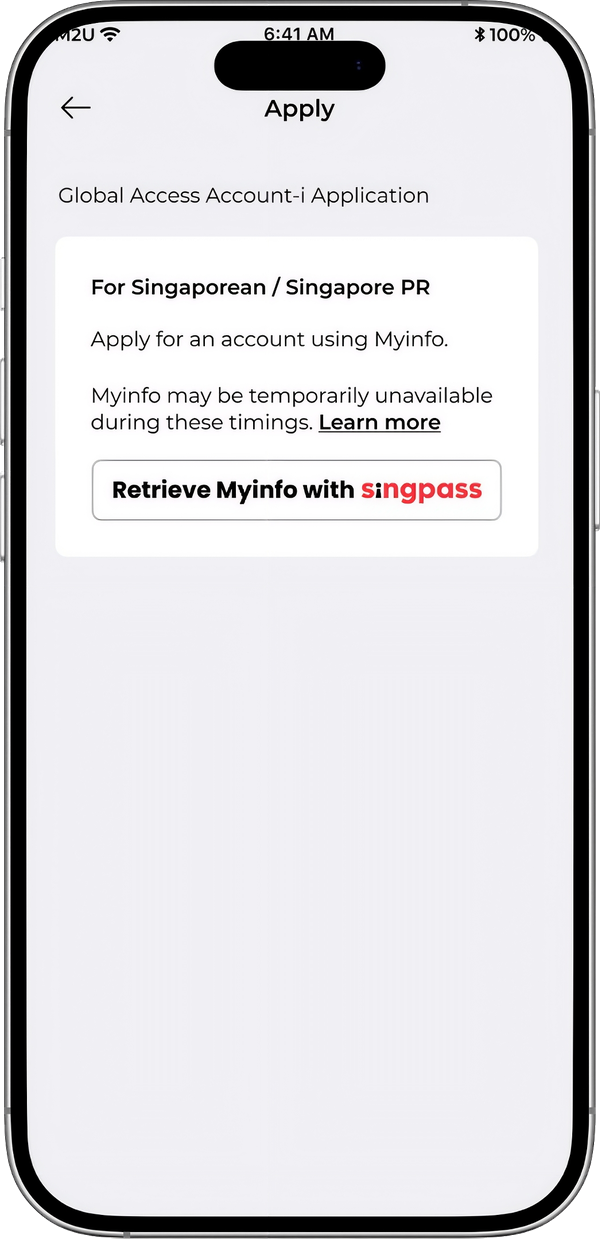
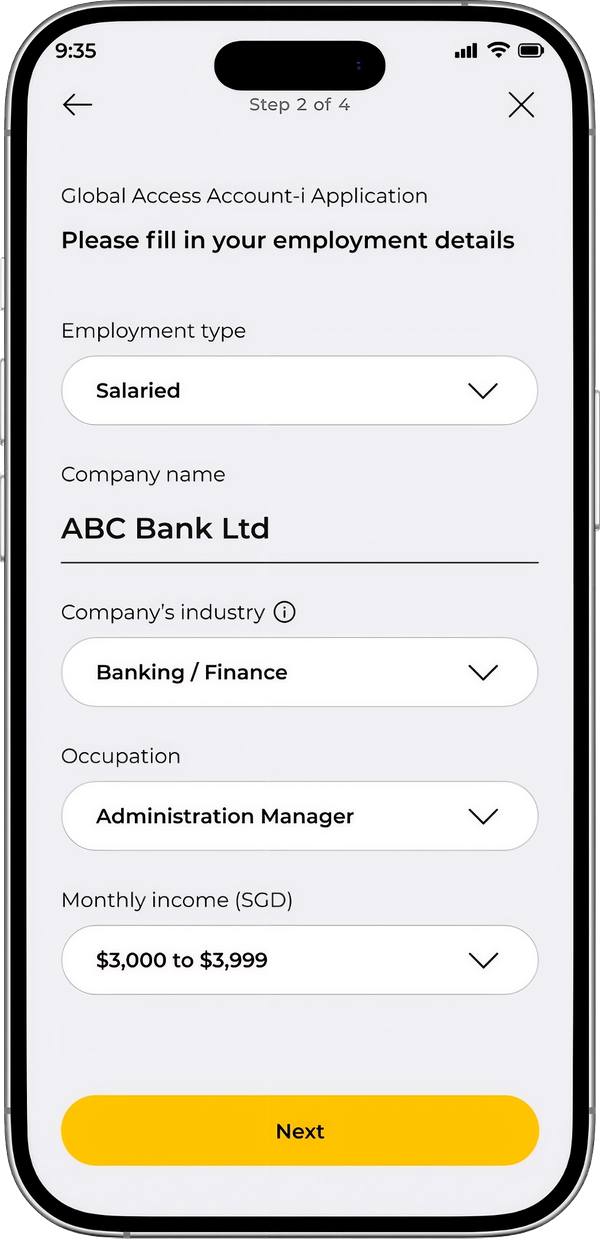
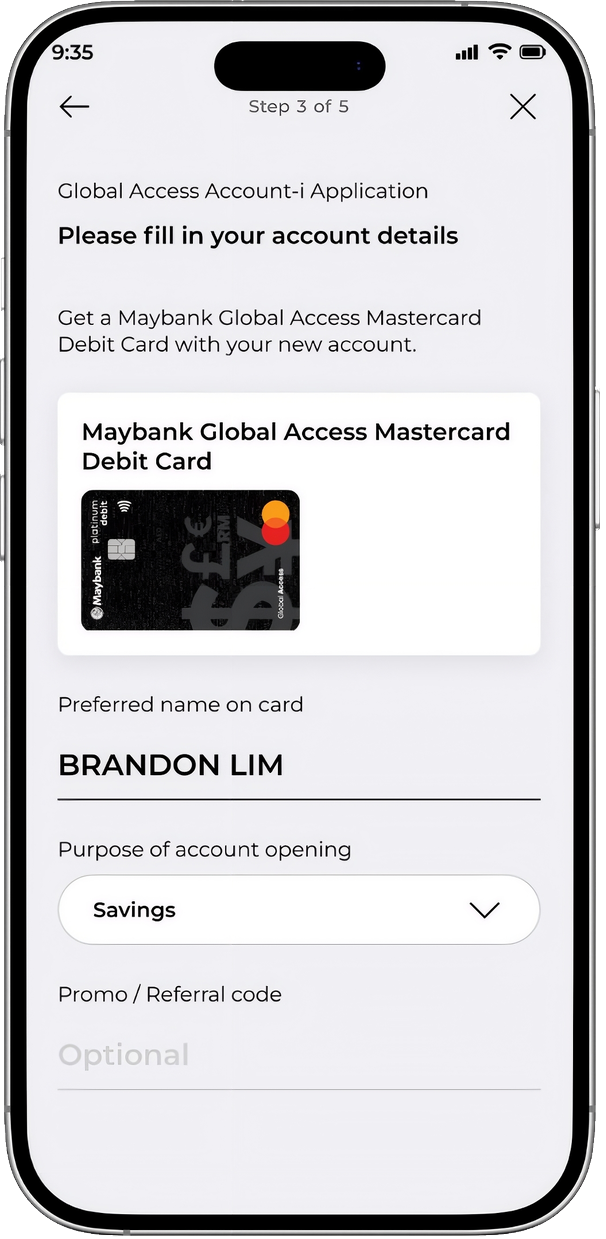
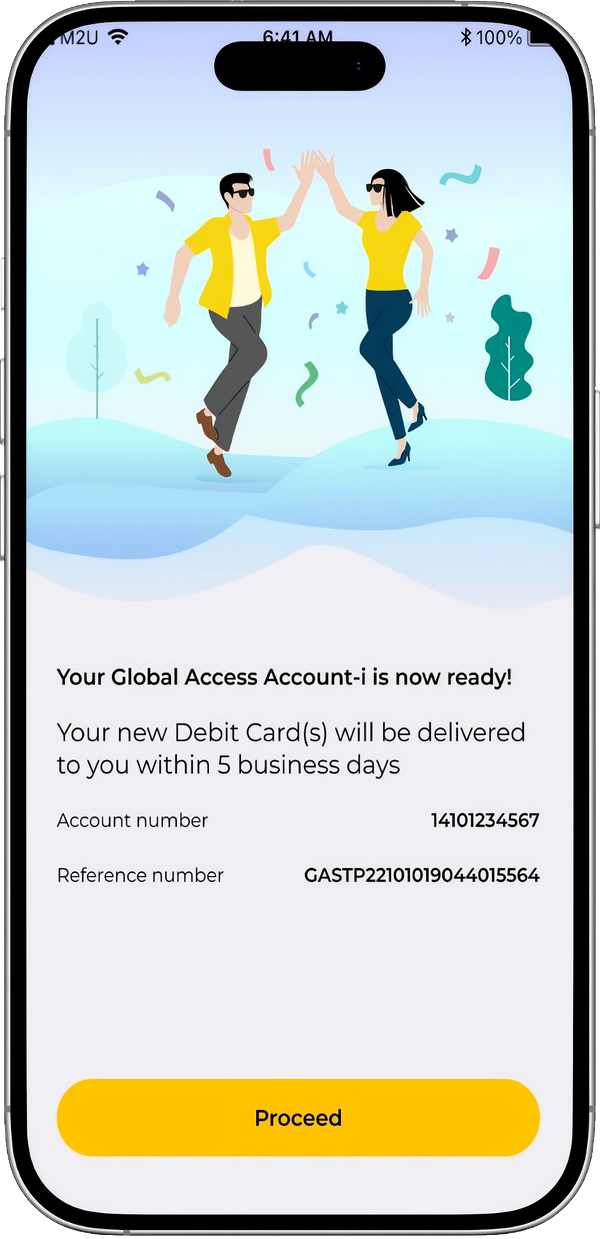
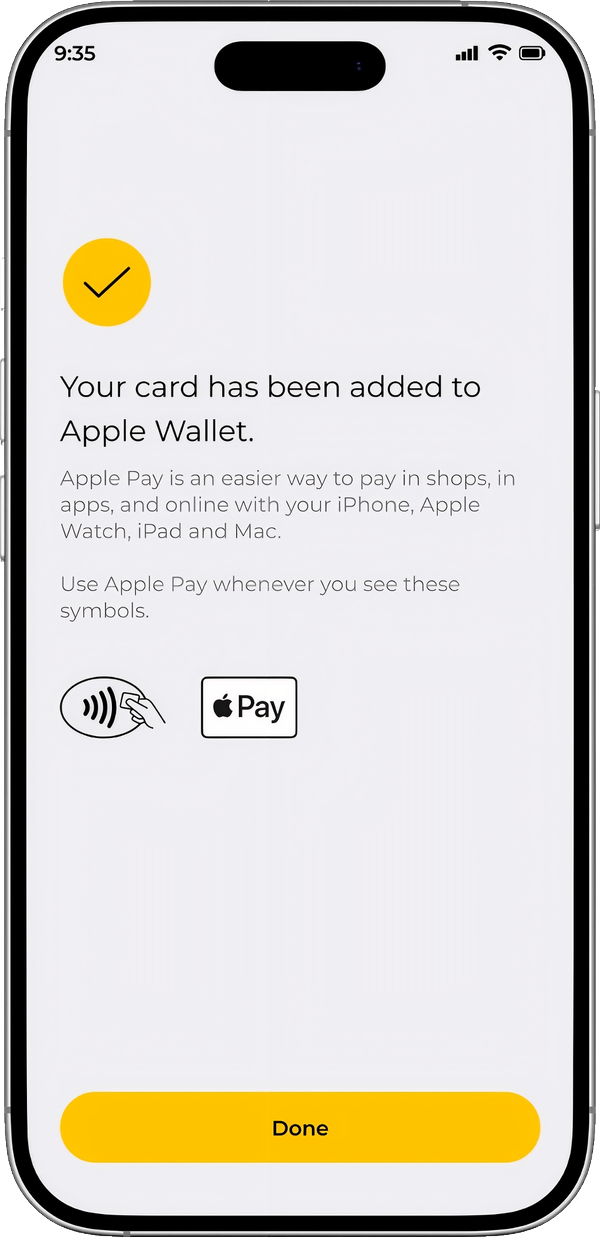
Select Global Access Account-i from the app’s account list.
For Singapore Citizens and Permanent Residents aged 16 and above.
Screens shown are for illustration only.
Global Access Account-i is a Shariah-compliant multi-currency current account.
Scan the QR code to download the Maybank2u SG app, then apply for your Global Access Account-i.
Application is subject to eligibility and approval.